 Richard's Blog
Home from 25 kilometres up: a WebGL flight scene as desktop background
Why this post exists#
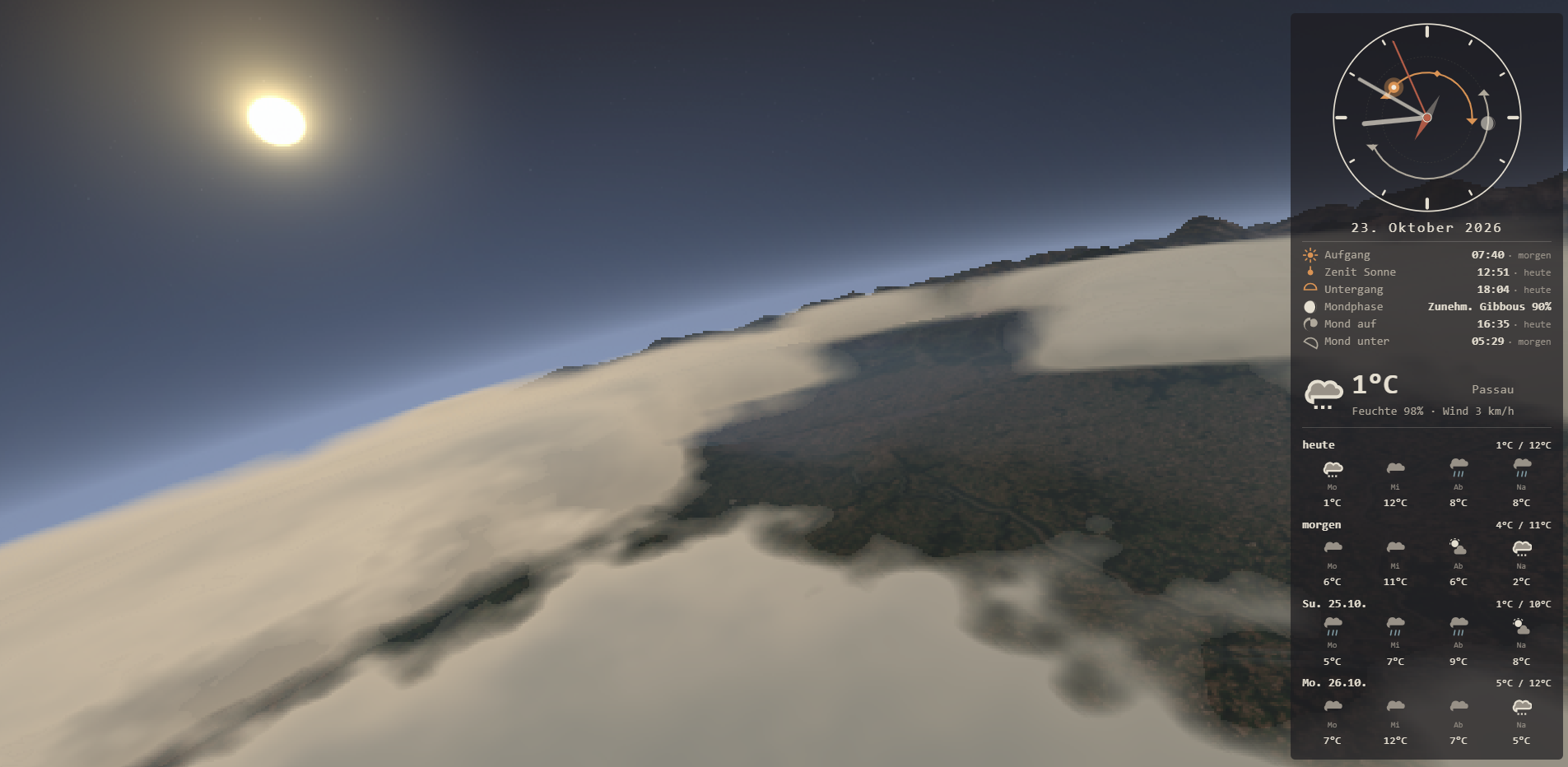
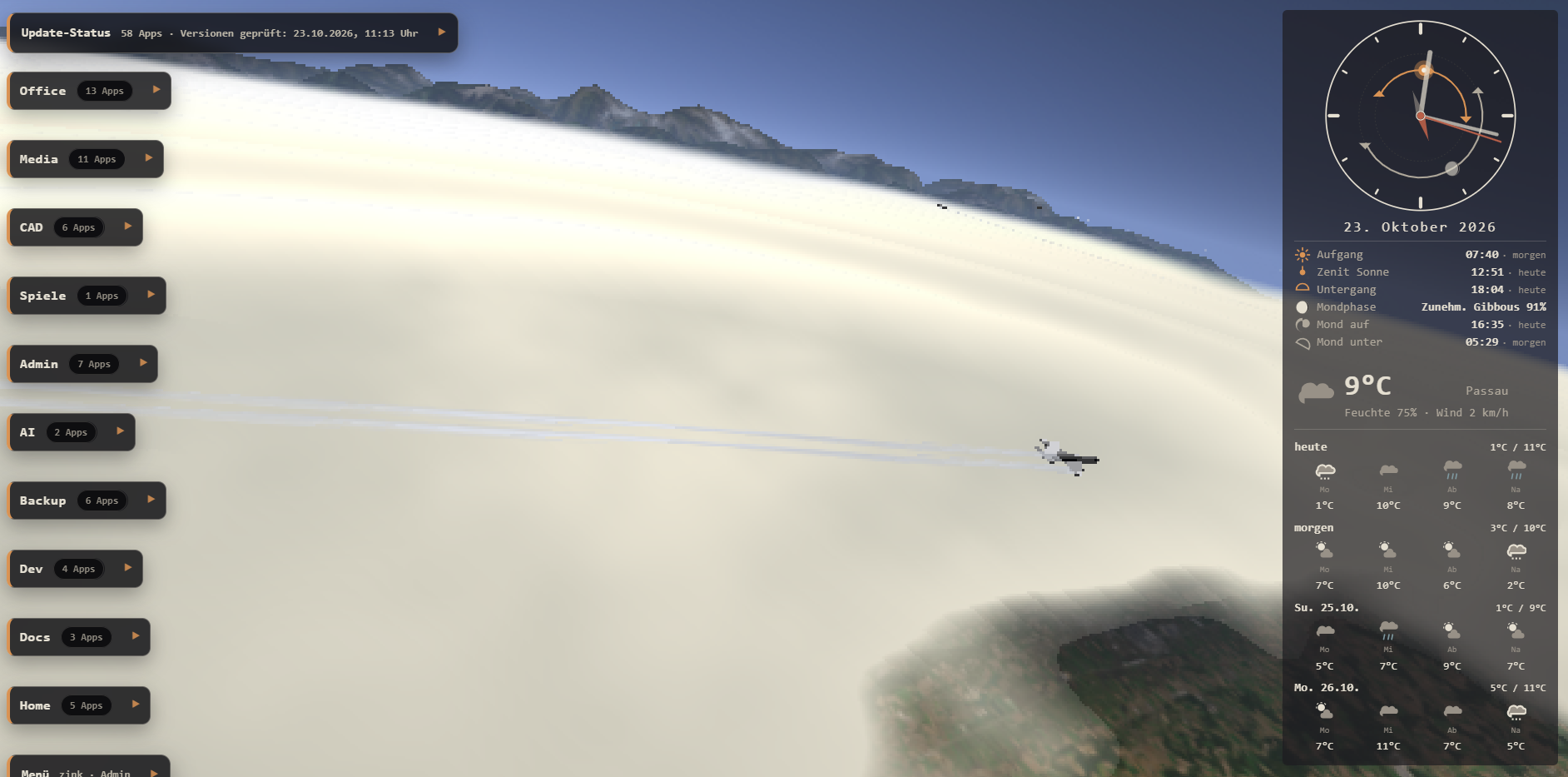
My desktop runs Hyprland, and the “wallpaper” question eventually became a software question: why show a static picture when a browser can render a live flight scene? animated_wallpaper is the result — a single page that flies a WebGL camera over the real terrain around your home location, with the real sun, moon, stars and live weather, at 15–35 km altitude.
Repo: zink/animated_wallpaper
What you see#
- A figure-eight flight path centred exactly on a configured lat/lon, slowly bobbing between 15 and 35 km with the nose reacting to climb and sink rate.
- Real terrain: satellite or street basemap draped over a Copernicus DEM height grid (with adjustable vertical exaggeration — at this scale, true relief is nearly invisible).
- A volumetric cloud deck you fly above; its density and colour mood are driven by the live weather code (Open-Meteo).
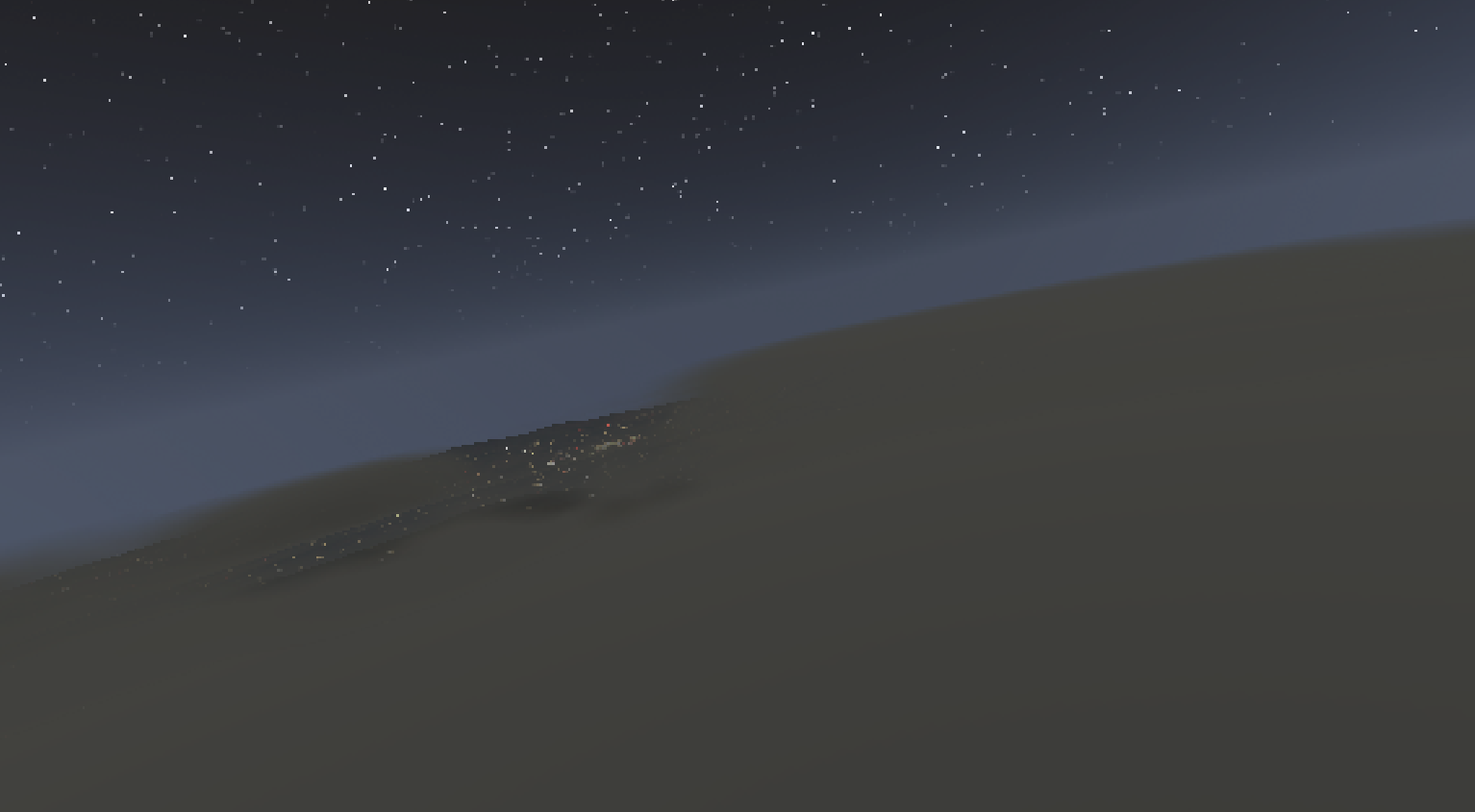
- A physically placed sky: sun and moon from SunCalc (with phases), and a night sky of ~8700 real stars (Yale Bright Star Catalogue) rendered as crisp GL points rotated at the sidereal rate for your latitude, plus a Milky Way band.
- A minimal UI: an analogue “sundial” clock with sun/moon arcs, sunrise/sunset/moonrise times, current conditions and a 4-day forecast; theme, language (6), units and time format are configured in one
config.js. - And especially for me: I love the pixellated look you can achieve with the variable renderscale. You can set this between 0 and 1 and it renders with your screens resolution * scale.
The scene at night#
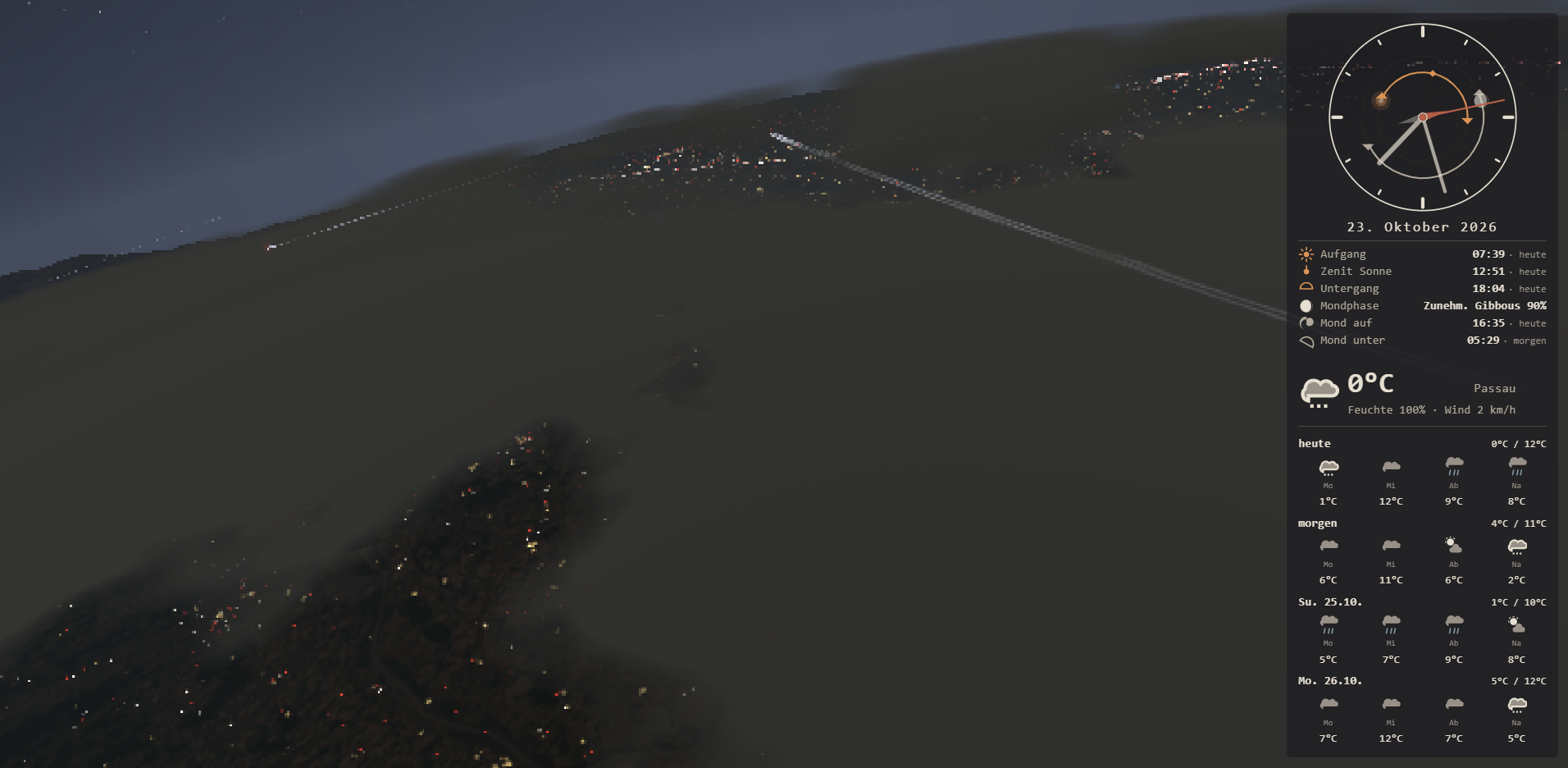
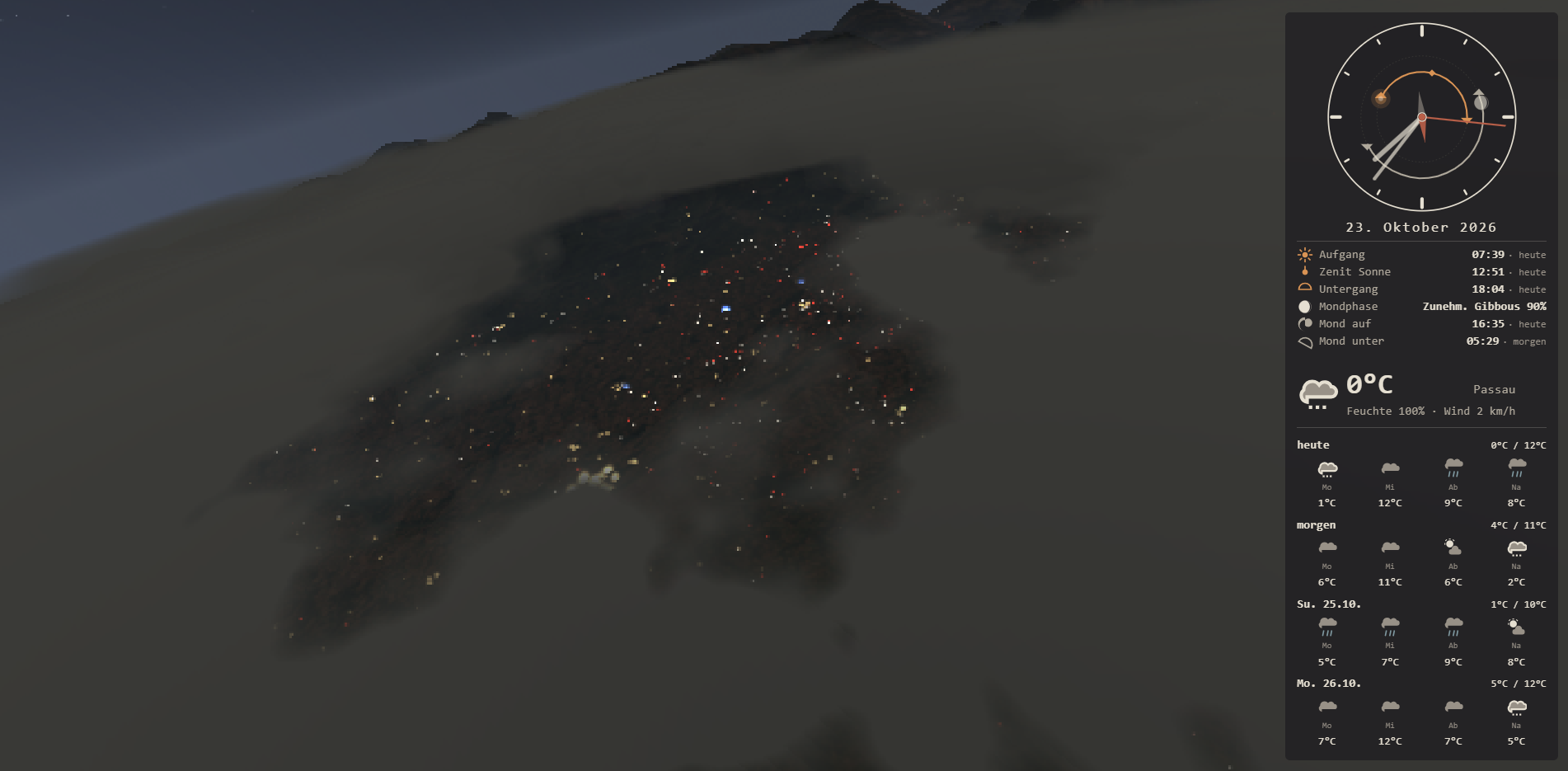
After dusk the lights come on, all derived from OpenStreetMap data: white/red car lights crawl along the actual motorway and secondary road network — individual moving vehicle points with a rush-hour density curve and a quiet window around midnight — and every settlement gets a cluster of pale-yellow glow dots whose count and brightness scale with the town (place class plus the population tag).
Under the hood#
Everything is one static page (background.html), one WebGL1 renderer (vendor/clouds3d.js, plain JS — no three.js), and one nginx container that doubles as the CORS proxy for the tile sources.
Scale is tiled-mercator-native: 1 world unit ≈ one zoom-11 tile ≈ 12.9 km at 48°N. The cloud deck top, the flight band and the fog distance are all expressed in that unit.
The ground is a square mosaic of basemap tiles plus a DEM height grid, composed on a 2D canvas and uploaded as one texture; the corridor re-centres as the aircraft drifts. All downloads — basemap and elevation tiles, Overpass road and place data, the weather payload — are cached permanently in IndexedDB: after the first run in a region the scene renders fully offline, and a 15-minute cycle transparently retries anything that previously failed.
A single-file build#
build.py bundles the whole application — scripts, star catalogue and all theme CSS — into one self-contained HTML file:
python3 build.py # -> background-standalone.html, no sibling filesThe bundler swaps the <script src> tags for their contents, injects the star catalogue as window.__starsData and all themes as window.__inlineThemeCss (so runtime theme switching keeps working without any files on disk). Runtime data — tiles, Overpass, weather — is still fetched at load; served from the Docker image (or from a warm browser cache) you get the full experience, opened via file:// you get sky, clouds, UI and a labelled offline ground grid.
#!/usr/bin/env python3
"""
Build a single self-contained HTML file from the source files.

Usage:
    python3 build.py [output.html]

If output is not given, defaults to 'background-standalone.html'.

What gets inlined:
  - config.js, i18n.js                       (plain <script> swap)
  - vendor/suncalc.js, vendor/clouds3d.js    (plain <script> swap)
  - vendor/stars.json                        (window.__starsData)
  - every theme CSS referenced by window.THEMES
                                             (window.__inlineThemeCss,
                                              so theme switching works
                                              without any files)

The result needs NO sibling files. Note that runtime DATA is still
fetched when the page loads: basemap/elevation tiles (via the nginx
CORS proxies of the Docker image), Overpass road + place data and the
Open-Meteo weather API. Serve the standalone file from the same nginx
(or a warm IndexedDB cache = fully offline) for the full experience;
opened via file:// it still runs sky, clouds and the whole UI, just
without the textured ground.
"""

import json
import os
import re
import sys

ROOT = os.path.dirname(os.path.abspath(__file__))


def read(path):
    with open(os.path.join(ROOT, path), 'r', encoding='utf-8') as f:
        return f.read()


def guard(s):
    # a literal </script> inside an inline block would end it early
    return s.replace('</', '<\\/')


def inline_script(html, tag, body):
    old = '<script src="%s"></script>' % tag
    new = '<script>\n%s\n</script>' % body
    if old not in html:
        raise SystemExit('build.py: expected tag not found: ' + tag)
    return html.replace(old, new, 1)


def parse_themes(config_src):
    m = re.search(r'window\.THEMES\s*=\s*\{(.*?)\}', config_src, re.S)
    if not m:
        raise SystemExit('build.py: window.THEMES not found in config.js')
    return dict(re.findall(r"'([^']+)'\s*:\s*'([^']+\.css)'", m.group(1)))


def main():
    out = sys.argv[1] if len(sys.argv) > 1 else 'background-standalone.html'
    html = read('background.html')

    config_src = read('config.js')
    themes = parse_themes(config_src)

    # embedded data preamble (before clouds3d's own scripts run)
    stars = json.loads(read('vendor/stars.json'))
    theme_css = {name: read(fname) for name, fname in themes.items()}
    embed = (
        '<script>\n'
        'window.__starsData = %s;\n'
        'window.__inlineThemeCss = %s;\n'
        '</script>\n'
        % (json.dumps(stars, separators=(',', ':')),
           json.dumps(theme_css))
    )
    anchor = '<script src="vendor/suncalc.js"></script>'
    html = html.replace(anchor, embed + anchor, 1)

    html = inline_script(html, 'config.js', read('config.js'))
    html = inline_script(html, 'i18n.js', read('i18n.js'))
    html = inline_script(html, 'vendor/suncalc.js', read('vendor/suncalc.js'))
    html = inline_script(html, 'vendor/clouds3d.js', read('vendor/clouds3d.js'))

    # the default <link id="theme-css" href="ash.css"> stays but is
    # disabled by the inline-theme loader; keep a guarded fallback anyway
    html = html.replace('<link id="theme-css"', '<!-- standalone: themes embedded -->\n    <link id="theme-css"', 1)

    with open(os.path.join(ROOT, out), 'w', encoding='utf-8') as f:
        f.write(html)

    print('Wrote %s (%d bytes)' % (out, len(html)))
    print('Inlined: config.js, i18n.js, suncalc.js, clouds3d.js,')
    print('         stars.json (%d entries), themes: %s'
          % (len(stars), ', '.join(themes)))


if __name__ == '__main__':
    main()
Set CONFIG.location.lat/lon (in config.js) to wherever you want to “fly” — the flight anchor, terrain, tiles, weather, sun/moon and star rotation are all derived from it. CONFIG.day.simulation: true runs a full 24-hour cycle in a configurable number of seconds (nice for testing the night lights); false uses the real positions.
Final use case#
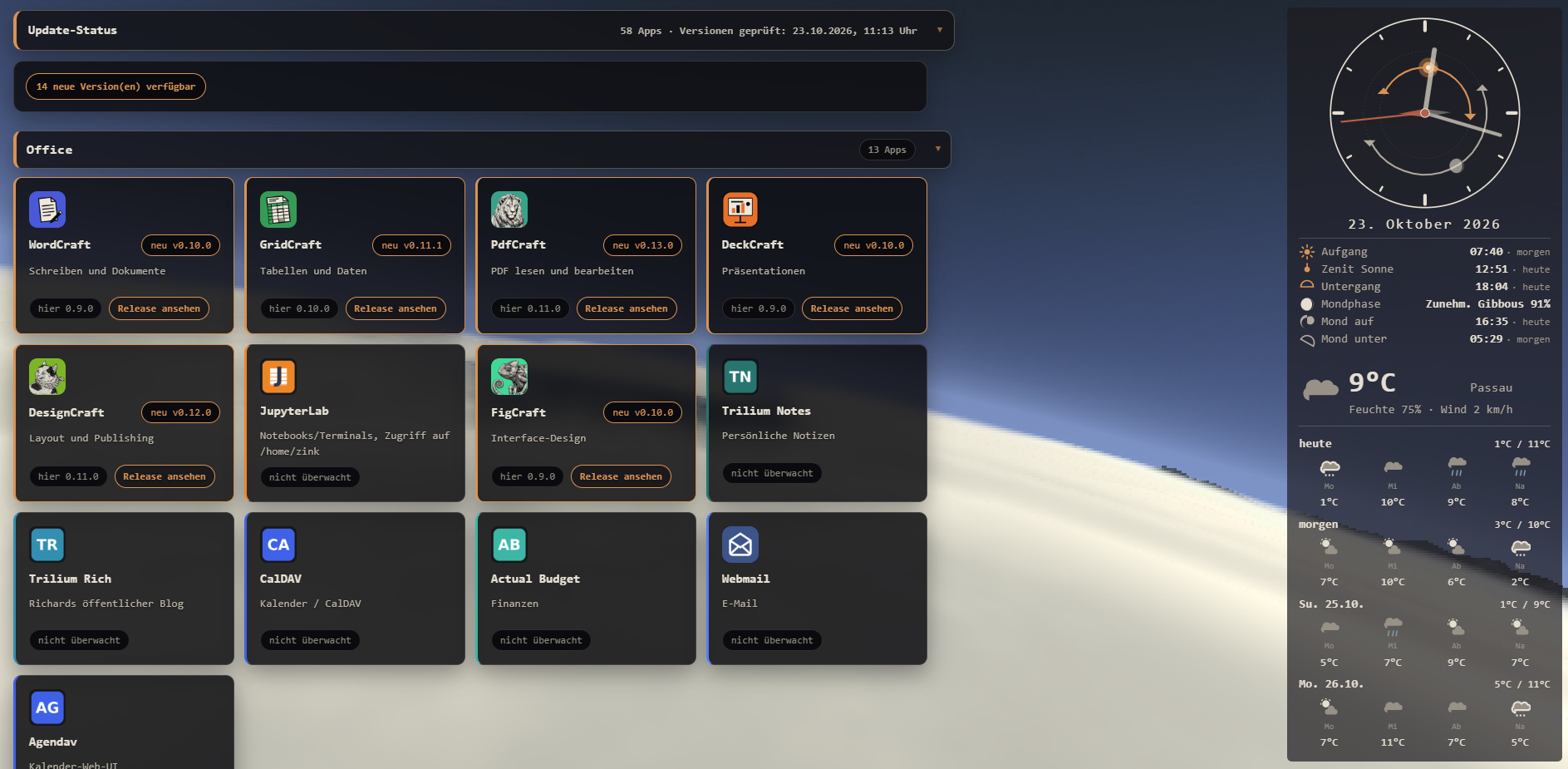
My final usage besides as wallpaper for my laptop is as animated background for the homescreen of my homelab with all of it's services.
License#
MIT — data attributions (OpenStreetMap/ODbL, Copernicus DEM, NASA GIBS, Open-Meteo, Yale BSC) are kept in the repo and in the on-page credits.